

College Search
Thank you! Your submission has been received!
Oops! Something went wrong while submitting the form.


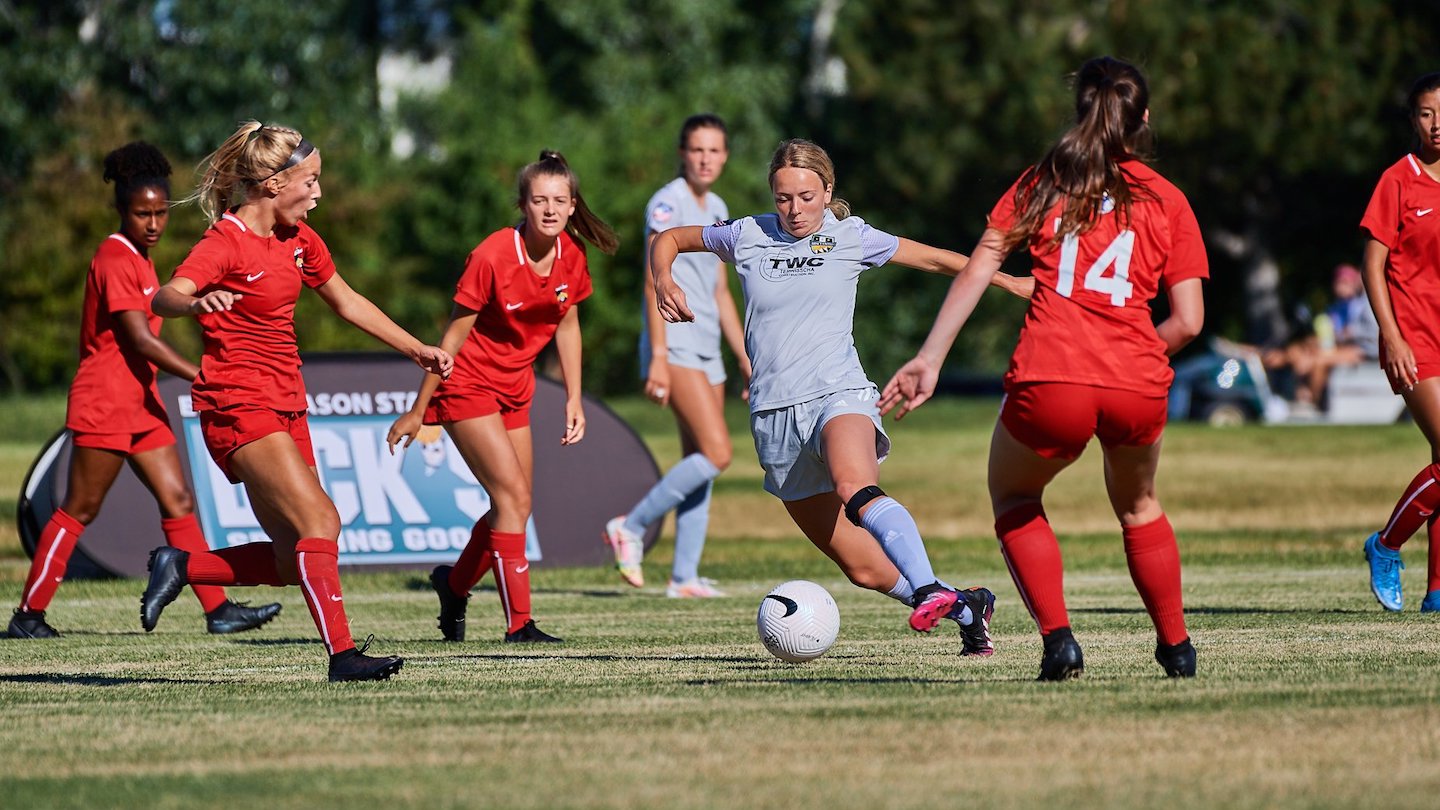

If you want to get recruited today, you cannot avoid video. For most coaches, your college recruiting highlight video is the first time they ever see you play, long before they drive to a tournament or invite you on campus.
That means your highlight reel is not just a nice extra. It is your digital first impression. In a few minutes, a coach will decide if you are worth adding to their list, worth a follow up, or not a fit for their program.
The good news is you do not need fancy cameras, a professional editor, or a viral social media account. You need clear footage, smart structure, and a plan that fits your sport and level.
If you are already thinking about how this applies to you, you can ask Pathley directly: What should I include in my college recruiting highlight video for my sport and position?
This guide breaks down how to build a college recruiting highlight video that coaches actually watch, what to include, what to leave out, and how to share it in a way that moves your recruiting forward.
The recruiting world has shifted hard toward digital. Between long travel schedules, budgets, and recruiting calendars, many college coaches simply cannot see every prospect live early in the process.
Instead, they rely on film to decide who is worth a camp invite, a call, or a trip to watch in person. A strong highlight video can move you from unknown to must-see, even if you live far from a program or play on a smaller club or high school team.
Organizations like the NCAA and NFHS emphasize that while in-person evaluation is important, video is now a core part of how college coaches evaluate athletes and manage their recruiting boards.
That is why treating your highlight reel like a serious part of your recruiting strategy, not just a random mix of cool plays, matters so much.
Most athletes build highlight videos for other athletes. They want plays that look impressive on social media. College coaches watch with a completely different lens. They are looking for skills that fit their system, decision making, consistency, and room for development.
Before you edit anything, step into a coach’s shoes. They are busy, they watch a ton of film, and they probably do not know you yet. They need to understand who you are, what position you play, and how your game might translate to their level.
Here are core elements coaches want to see in a college recruiting highlight video across almost every sport:
• Your best plays first, not a slow build. You have maybe 20 to 30 seconds to grab attention.
• Clear identification of you on the field or court. Use an arrow, spotlight, or quick circle before each clip.
• Game film over practice when possible. Coaches want to see how you compete, not just how you look in drills.
• Repetition of your key strengths. If you are a defender, show multiple angles of you defending. If you are a hitter, show a variety of swings.
• Context when it matters. The score, time, and opponent can show how you perform in pressure or against strong competition.
Different sports and positions have different priorities. A libero highlight will not look like a quarterback highlight, and a sprinter reel will not match a center back’s video.
If you want sport specific ideas, you can ask Pathley something like, What clips should I prioritize in my highlight video for my position and playing style?
Coaches are not settling in with popcorn to watch your film. They are scanning, fast. Your goal is not to show every good play you have ever made. Your goal is to show enough of the right plays for a coach to quickly understand your ceiling.
As a general guideline, most college coaches prefer highlight videos that are three to five minutes long. Shorter can work if you are very selective. Longer usually leads to repetition and fatigue.
Think of your college recruiting highlight video like a movie trailer, not the whole movie. It should make a coach want more game film, not answer every question they could possibly ask.
You do not need fancy effects. You do need a simple, logical structure so a coach can follow what they are watching without effort.
Here is a proven flow that works for almost every sport:
• Title screen with your key info.
• 30 to 60 seconds of your absolute best clips.
• Additional plays grouped by skill (serving, blocking, defending, shooting, passing, etc.).
• Optional short section of raw game clips if a coach wants to see full possessions.
If you are unsure exactly how to balance the length and structure for your position and level, try asking Pathley, How long should my college recruiting highlight video be based on my sport and recruiting level?
The first screen of your video should give a coach the basics they need to identify and find you. If they like what they see, you do not want them hunting around the internet to figure out who you are.
Keep your title screen clean, readable, and on screen long enough to be captured in a quick screenshot.
Key information to include:
• Full name.
• High school and club team.
• Primary position and jersey number.
• Height, weight, and dominant hand or foot, if relevant.
• Grad year and birth year.
• City, state, and country.
• Contact email and phone for you and a parent or guardian.
• Contact info for your coach or recruiting coordinator.
• Links to your recruiting profile or resume.
If you already have an athletic resume built, you can simply include one link to it on your title screen. Pathley can help you generate a clean, complete recruiting profile that pairs perfectly with your video. You can learn more about building that resume in this guide: Athletic Resume for College Recruiting.
Great footage is about clarity, not cost. Most modern smartphones shoot more than enough quality for a college coach to evaluate you, as long as the person filming pays attention to angles and stability.
Focus on these basics when recording:
• Shoot horizontally, not vertical phone video. Coaches need to see the whole play, not just a narrow strip.
• Keep the camera steady and avoid zooming in and out constantly.
• Frame the play so a coach can see both you and the relevant game context around you.
• Make sure lighting is good and the image is not grainy or backlit.
• Capture the start and finish of each play, not just the moment you shoot, block, or score.
If your team uses a service like Hudl or another video platform, you can usually download full games or clips directly and avoid manually filming every contest. That can save a lot of stress and result in cleaner footage.
Editing is where many athletes get stuck, but it does not have to be complicated. Your goal is simple: help a coach see your game quickly with minimal distractions.
You can use basic editing tools on your phone or computer, or free online editors. You do not need cinematic transitions or special effects. Simple cuts, clean labels, and clear identification of you in each play are more than enough.
• Use an arrow, circle, or quick spot shadow to show which player you are before each play begins.
• Add short text labels at the corner when needed, like 3rd and long, game winning goal, or top seed opponent.
• Keep audio clean. Crowd noise is fine. Music should be low volume and not explicit. Many coaches prefer no music at all.
• Group similar skills together so coaches can quickly evaluate specific parts of your game.
• Save and export your video in a standard format like MP4 that plays easily on phones, tablets, and laptops.
• Do not use long slow motion on every play. A quick slow motion replay is OK on a few key clips, but coaches need to see real speed.
• Do not add distracting filters, emojis, or social media style effects.
• Do not make coaches guess which player you are.
• Do not include plays where the camera loses the ball or action completely.
• Do not cram in every clip you kind of like. Be ruthless and choose the best.
Coaches want links they can click, not giant file attachments they need to download. Your best move is to upload your college recruiting highlight video to a reliable platform, then share that URL.
Common options include YouTube, Hudl, or your club or high school video system. Wherever you host it, make sure privacy settings allow anyone with the link to view the video, and that playback works well on mobile devices.
Once you have a stable link, you can add it to your athletic resume, your Pathley profile, your social bios, and every email you send to coaches.
On Pathley, you can store your highlight video link right alongside your stats, academic info, and school list, so everything a coach needs is in one place. You can explore the platform and college tools any time at https://www.pathley.ai/.
Having a strong video is only half the job. You also need a smart plan for getting it in front of the right people at the right times.
In many sports, recruiting starts earlier than families expect. The NCAA has specific rules about when Division I and II coaches can initiate contact, but you can usually send emails and share your highlight link before coaches are allowed to respond directly.
That means your video can start working for you even before your first phone call or campus visit. It can get you onto a staff’s follow list, onto a camp invite list, or onto the board for later evaluation.
For a deeper look at how your highlight reel fits into the bigger communication picture, you can pair this with Pathley’s guide on when to start contacting college coaches and the breakdown of NCAA recruiting rules.
• Put your video link near the top of your email to coaches, right after your short introduction.
• Mention one or two strengths you want them to look for that match their program style.
• Track which coaches you have sent your video to and when you followed up.
• Update your video each season as you improve, and clearly label the year or season in the title.
If you are unsure how aggressive to be or how your video fits into your overall strategy, Pathley can help you map it out. You can literally just ask, When in the recruiting process should I start sending my highlight video to college coaches?
Your highlight reel should never live by itself. Coaches do not recruit a video, they recruit a full person with grades, character, and a real chance to succeed at their school.
Alongside your college recruiting highlight video, you should have:
• A current academic profile with GPA, test scores if you have them, and course rigor.
• Clear basic measurables and sport specific stats.
• Upcoming competition schedule so coaches know where they might see you live.
• A realistic list of schools that fit you athletically, academically, and financially.
Pathley is built to bring all of this together. Instead of juggling twenty tabs and a messy spreadsheet, you can keep your video links, academic info, resume details, and school list in one place, and get AI powered guidance every time something changes.
If you want help seeing how your video, academics, and school list fit together, try asking, Can you help me connect my highlight video, academic profile, and target school list into one recruiting plan?
Most athletes and parents are not video editors, and most do not have a full time recruiting coordinator walking them through each step. That is exactly the gap Pathley exists to fill.
With Pathley, you can:
• Get sport specific suggestions for your college recruiting highlight video based on your position and goals.
• Understand how competitive you look right now for different levels so you can choose clips that show your true strengths.
• Build a clean, coach ready profile that connects your video, stats, and academics.
• Explore schools through the Pathley College Directory and college rankings, then attach your video as you reach out.
• Track which programs have your film, when you followed up, and what needs to happen next.
You do not need to have everything perfect before you start. You just need a place to begin, clear feedback, and a way to keep improving as you go. Pathley gives you that structure and evolves as your game and goals change.
If you want to skip the guesswork, a great starting point is simply to ask, Can you help me build a step by step plan to improve my highlight video and overall recruiting strategy?
A strong college recruiting highlight video will not magically earn you a full ride, but it can absolutely open doors that would stay closed without it. When you combine clear film with a smart school list, consistent communication, and honest expectations, you give yourself a real chance to be seen.
Here is how to move forward from here:
• Gather your best game footage from the last season or two.
• Sketch a simple outline using the structure in this guide.
• Build your title screen with all your key info.
• Edit a first version of your highlight reel and upload it somewhere stable.
• Connect it to a complete recruiting profile and start sharing it with the right coaches.
Pathley is built to help you do every part of that with less stress and way more clarity. When you are ready, create your free account at https://app.pathley.ai/sign_up, add your college recruiting highlight video link, and let the AI guide you through your next recruiting steps.


